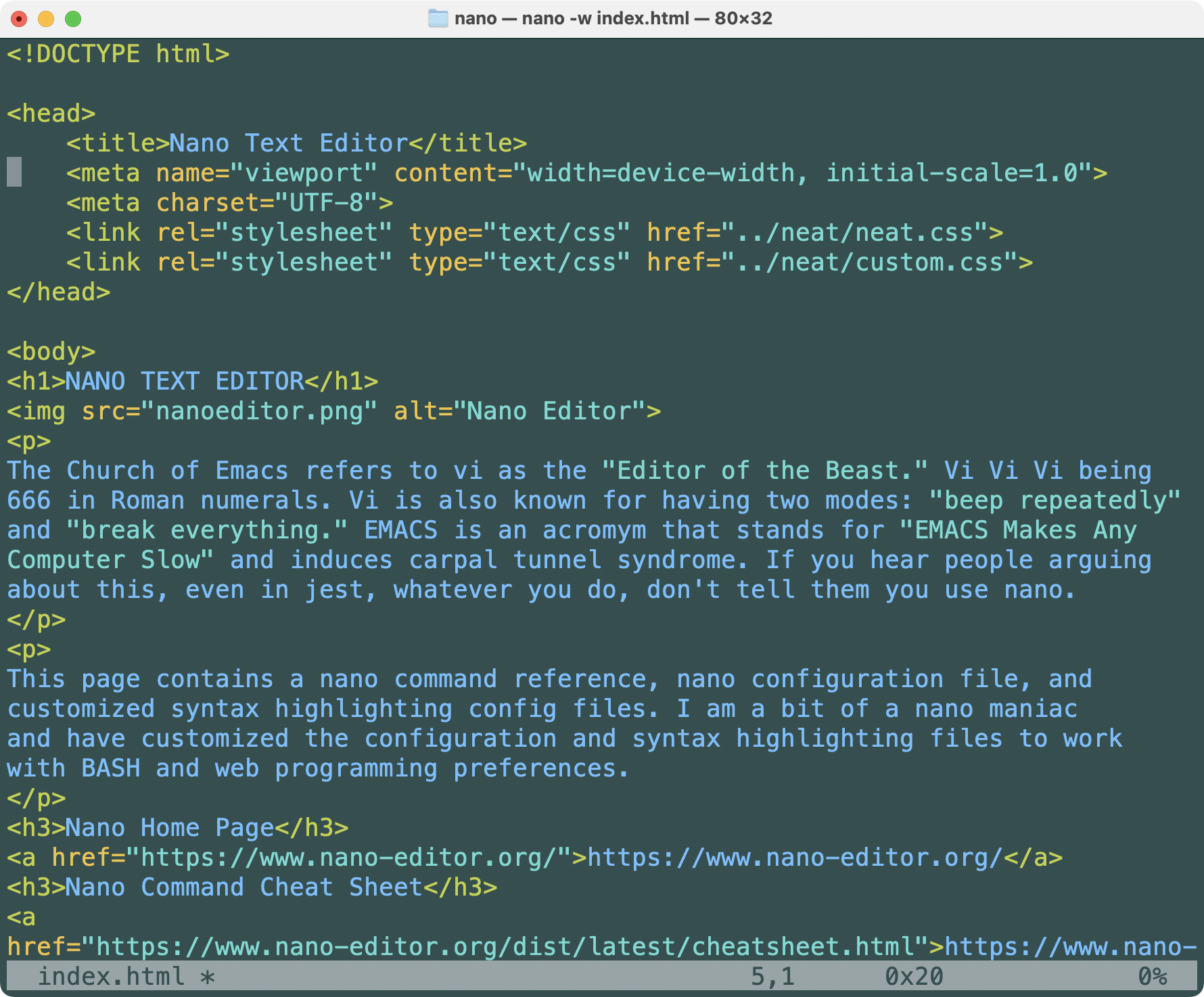
The Church of EMACS calls vi the "editor of the beast." Vi-vi-vi being 6-6-6 in Roman numerals. EMACS users joke that vi has two modes: "beep repeatedly" and "break everything."
Vi users refer to EMACS as Escape, Meta, Alt, Control, and Shift. They say EMACS induces carpal tunnel syndrome with its double command sequences. Vi users pile on with EMACS is "a great operating system, lacking only a decent editor"
Google joined in by having searches for vi resulting in the question "Did you mean: emacs".
If you hear people arguing about this, even in jest, whatever you do, don't tell them you use nano. You will be abused mercilessly.
IMHO vi is an excellent text editor. I once forced myself to use vi for 8 months. After repeatedly typing text into command mode, and commands into insert mode, I went back to nano. It was like seeing an old friend.
This page contains a nano command reference and configuration files. I am a bit of a nano maniac and customized the configuration and syntax highlighting files to edit HTML, CSS, JavaScript and bash code. The inspiration for these customizations came from vi.
Nano Home Page: https://www.nano-editor.org/
Nano Command Cheat Sheet: https://www.nano-editor.org/dist/latest/cheatsheet.html
| Operation | Command |
|---|---|
| Buffer new buffer | ^R ESC-F (only if multibuffer is set) |
| Buffer switch to previous | ESC-< |
| Buffer switch to next | ESC-> |
| Delete char before cursor | ^H (BACKSPACE) |
| Delete char under cursor | ^D (DEL) |
| Delete cursor to EOF | ESC-T |
| Delete cursor to EOL | ESC-K |
| Delete current line | ^K (F9) (ESC-DEL) |
| Undelete current line | ^U |
| Delete word to the left | ESC-BACKSPACE |
| Delete word to the right | ^DEL |
| Edit comment line | ESC-3 |
| Edit complete word | ^] |
| Edit copy line | ESC-6 ESC-^ |
| Edit insert ASCII Code | ESC ESC 000-255 |
| Edit insert verbatim | ESC-V (ex: ^E) |
| Edit paste buffer | ^U |
| Edit undo last action | ESC-U |
| Edit redo last action | ESC-E |
| Edit spell check | ^T^S F12 |
| File edit | nano filename |
| File insert at cursor | ^R (INS) |
| File save | ^X (F2) |
| File save as | ^O (F3) |
| File save no prompt | ^S |
| Format javascript | ESC-F |
| Format justify paragraph | ^J (F4) |
| Format justify file | ESC-J |
| Format refresh screen | ^L |
| Help | ^G (F1) |
| Macro Start/stop | ESC-: |
| Macro Replay | ESC-; |
| Move block text back | ESC-{ |
| Move block text forward | ESC-} |
| Move center line at cursor | ^L |
| Move cursor | ⏴ ⏶ ⏷ ⏵ |
| Move cursor up | ^P ⏶ |
| Move cursor down | ^N ⏷ |
| Move file buffer prev | ESC-⏵ (ESC-+) |
| Move file buffer next | ESC-⏴ (ESC-+) |
| Move first line | ESC-\ (^HOME) |
| Move last line | ESC-/ (^END) |
| Move page down | ^V |
| Move page up | ^Y |
| Move paragraph beginning | ESC-( (ESC-9) |
| Move paragraph forward | ESC-) (ESC-0) |
| Move to line # | ^_ (ESC-G) |
| Move to start of line | ^A (HOME) |
| Move to end of line | ^E (END) |
| Move word back | ESC-SPACE |
| Move word forward | ^SPACE |
| Search | ^W ^F (F6) |
| Search and replace | ^\ (ESC-R) (y/n/a[ll]/^C[ancel]) |
| Search backward | ^Q |
| Search next backward | ESC-Q |
| Search next forward | ESC-W |
| Select mark set/unset | ESC-A |
| Select indent | TAB |
| Select unindent | SHIFT-TAB |
| Select indent | ESC-} |
| Select unindent | ESC-{ |
| Set auto indent | ESC-I |
| Set constant cursor | ESC-C |
| Set expert Mode | ESC-X |
| Set help line | ESC-X |
| Set hidden interface | ESC-Z |
| Set line numbers | ESC-N |
| Set mouse support | ESC-M |
| Set syntax coloring | ESC-Y |
| Set tabs to spaces | ESC-O |
| Set whitespace disp | ESC-P |
| Set soft wrapping | ESC-S |
| Set long line wrapping | ESC-L |
| Show count line/word/char | ESC-D |
| Show cursor position | ^C F11 |
| Show cursor position | ESC-C |
| Show matching bracket | ESC-] |
The nano configuration file is ~/.nanorc. This file sets options for backup, search, syntax highlighting, and status bar display when nano is started. The default options are commented out and user options are uncommented.
The default syntax highlighting configuration files reside in /usr/share/nano. If you build nano yourself the files are in /usr/local/share/nano. The default files are very good.
With all due respect to the Nano, Vi, and Emacs teams, I prefer the vi style highlighting. Comments are muted. User variables, function names, and text are blue. Quoted strings are green. Tags and commands are yellow. Keywords are orange. Unquoted bash variable references are red. Executable codeblocks between backticks are red. The .nanorc file points to these custom files which are in ~/.nano/ and are listed below.
Brief notes on adding unicode support to nano:

MACOS TERMINAL NANO EDITOR DISPLAY UNICODE
# Nano displays unicode characters as ?^W^`
# Nano ALT-V does not show verbatim mode
# Alt-V shows verbatim input but will not present unicode input mode
#   Terminal-preferences-profiles-keyboard check "use option as meta key."
#
user@imac:~> nano -V
GNU nano, version 8.2
(C) 2024 the Free Software Foundation and various contributors
Compiled options: --disable-libmagic --disable-nls --disable-utf8
#
# Nano .configure --enable-utf8 displays error: UTF-8 not supported by ncurses
user@imac:~> tic -V
ncurses 6.0.20150808
# Install homebrew
/bin/bash -c "$(curl -fsSL https://raw.githubusercontent.com/Homebrew/install/HEAD/install.sh)"
# Install ncurses
brew install ncurses
# Add these lines to .bash_profile for new ncurses environment variables
export PATH="/usr/local/opt/ncurses/bin:$PATH"     # newer ncurses
export LDFLAGS="-L/usr/local/opt/ncurses/lib"      # newer ncurses
export CPPFLAGS="-I/usr/local/opt/ncurses/include" # newer ncurses
# Show version of ncurses
pi@mb:~> tic -V
ncurses 6.4.20221231
# build nano with utf-8 support
.configure --enable-utf8
make
sudo make install
# nano shows --enable-utf8
pi@mb:~> nano -V
  GNU nano, version 7.2
  (C) 2023 the Free Software Foundation and various contributors
  Compiled options: --disable-libmagic --disable-nls --enable-utf8
# Add these lines to .bash_profile to set locale to UTF8
export LANG="en_US.UTF-8"    # locale utf-8
export LC_ALL="en_US.UTF-8"  # locale utf-8
# To Enter Unicode in nano:
ALT-V     # Should display Verbatim Input
Type 2665 # Should display Unicode Input
♥        # 2665 is a Unicode heart